
How to Change Your Thermostat Batteries: Easy Step-by-Step Guide
A blank thermostat screen. An HVAC system that suddenly will not turn on. Or rooms that feel warmer or colder for no clear reason.
For many homeowners, these issues appear without warning, often during seasonal weather changes when heating and cooling systems are under the most stress. What feels like a major HVAC failure is often something much simpler, but ignoring it can quickly lead to comfort loss, higher energy bills, or unnecessary service calls.
In many homes, the cause is surprisingly simple. At repairHVACnow, we regularly help homeowners who thought their furnace or air conditioner had failed, only to discover the thermostat battery replacement was all that was required. A failing digital thermostat battery can interrupt communication between your thermostat and HVAC system, affecting comfort, energy efficiency, and system reliability. While battery replacement is usually safe and simple, it can sometimes point to deeper HVAC or wiring problems.
Often, these calls come during the first heat wave or cold snap of the season, when thermostat batteries fail under increased system demand and homeowners assume the HVAC system itself has broken down. If your system is not responding or the issue keeps coming back, call repairHVACnow for same-day service or schedule your HVAC inspection today for peace of mind.
Why Replace Thermostat Batteries
When homeowners forget to replace the batteries, the thermostat may lose power or send incorrect signals to the HVAC system. This can cause the system not to turn on, cycle incorrectly, or shut down unexpectedly.
A delayed thermostat battery replacement can lead to:
- HVAC systems not responding to temperature changes
- Short cycling that strains equipment
- Lockouts that mimic major system failures
According to guidance from energy.gov, reliability in controlling temperature plays a key role in home energy system performance and comfort. Small issues like battery failure can create larger disruptions if ignored. If your thermostat screen dims or the HVAC system behaves unpredictably, it’s likely time to replace the batteries.
Tools You Will Need
Changing batteries does not require advanced tools, but preparation matters.
To safely complete how to replace thermostat battery, you typically need:
- Fresh AA, AAA, or coin cell batteries
- A small screwdriver if the thermostat cover is secured
- Clean hands and good lighting
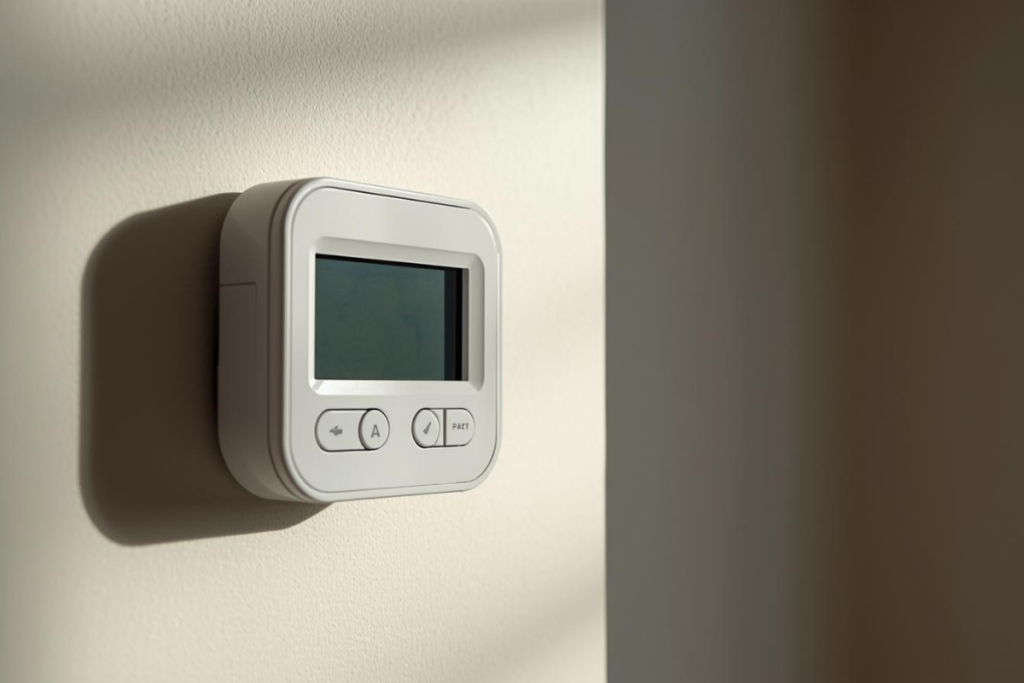
Thermostat designs vary by manufacturer and model. Some smart thermostats do not use replaceable batteries at all, instead drawing power from the HVAC system wiring. If you are unsure how your thermostat opens, what batteries it uses, or if it does not have a visible battery compartment, do not attempt to force it open. Contact a professional to confirm the power source and avoid damaging the device.
Turn Off the Thermostat
Before touching the thermostat, turn it off using the system mode or power setting. This prevents accidental electrical contact and protects internal components. While many thermostats are battery-powered, some are partially hardwired. OSHA electrical safety principles recommend eliminating live power before handling devices.
If your thermostat does not clearly power down, it may be connected to household wiring. If the thermostat appears hardwired or will not shut off, pause and call a professional for safe handling.
Remove the Old Batteries
Open the thermostat face carefully. Some models slide off, while others hinge or detach from a base plate.
When you replace the batteries, look for:
- Standard AA or AAA batteries
- Coin-style batteries in compact models
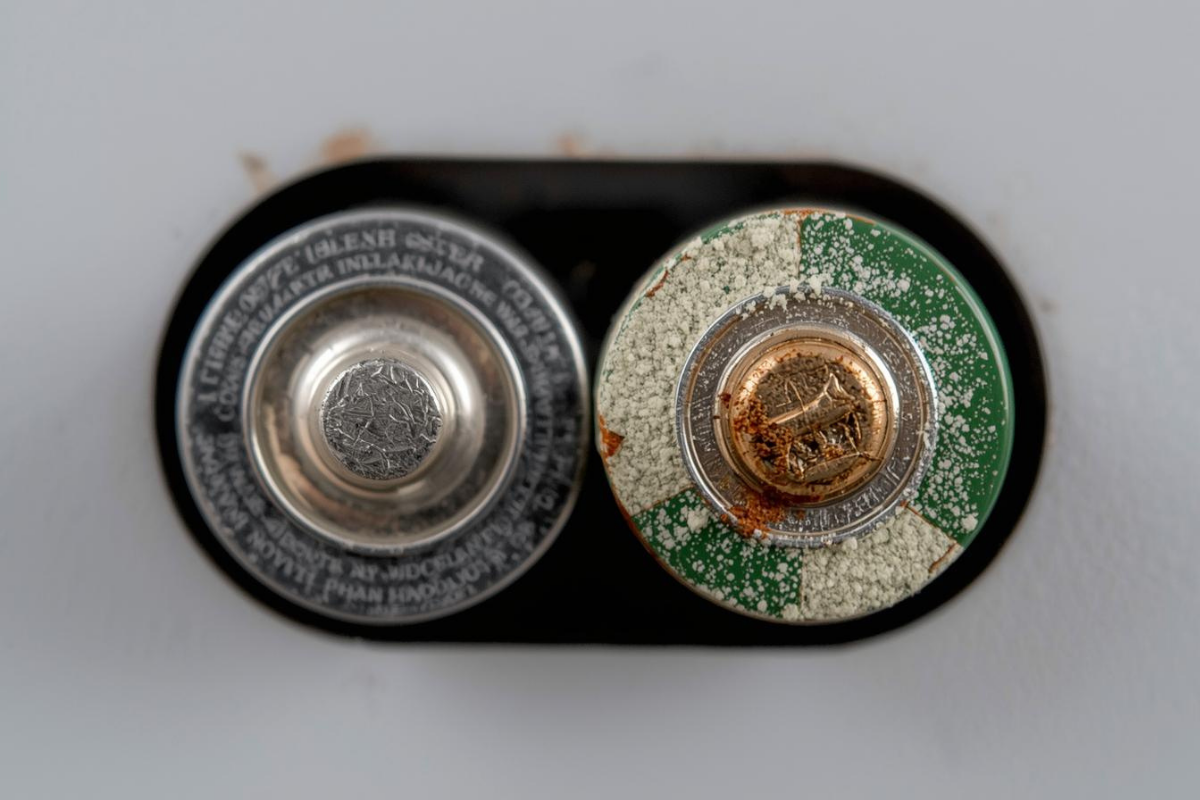
- Corrosion, rust, or leaking residue
A failing digital thermostat battery may leak over time and damage internal contacts. If corrosion is visible, do not proceed. Call a technician to prevent damage or electrical issues.
Insert New Batteries Correctly
Insert new batteries following the polarity markings inside the thermostat. Incorrect placement can prevent startup or damage circuitry.
Some models, including systems using carrier thermostat batteries, are sensitive to battery quality and voltage consistency. Avoid mixing old and new batteries.
If you are unsure how to replace a furnace thermostat battery safely, professional guidance is recommended. Energy Star emphasizes proper control operation as part of efficient home comfort systems. If the screen does not power on after battery replacement, stop and call a professional.
Check Thermostat Functionality
After completing thermostat battery replacement, test the system by adjusting the temperature.
Confirm:
- The screen is fully visible
- Heating or cooling activates correctly
- The system responds without delay
If issues persist, technicians typically inspect wiring connections, calibration accuracy, and system response beyond battery replacement. If the system does not respond correctly, schedule a professional evaluation.
Troubleshooting Battery Issues
If problems continue after replacing batteries, deeper issues may exist.
Common symptoms include:
- Screen flickering or resetting
- HVAC system not responding
- Batteries draining unusually fast
ASHRAE guidance highlights that thermostat controls are part of overall system reliability. Wiring issues, improper installation, or HVAC system faults can mimic battery failure. Schedule your HVAC inspection today if battery problems repeat or affect system performance.
Battery Replacement Tips
Technicians recommend consistent habits when you replace the batteries.
Best practices include:
- Use high-quality batteries from the same brand
- Avoid mixing battery types or ages
- Replace all batteries at once
Cheap or mismatched batteries can cause voltage instability. If battery issues recur frequently, request a professional thermostat evaluation.
How Often To Replace
Battery life varies based on usage, climate, and thermostat model.
In regions with extreme heat or cold, systems run more often, shortening battery lifespan. NREL research emphasizes that system runtime affects control wear.
If it’s not already part of your routine, add thermostat batteries to your seasonal HVAC maintenance checklist. Many homeowners find it helpful to replace thermostat batteries at the same time as seasonal HVAC filter changes to reduce the risk of unexpected system shutdowns.
Save Battery Life Tips
To extend battery life and improve HVAC performance:
- Keep thermostat settings stable
- Avoid constant manual adjustments
- Maintain HVAC equipment regularly
Healthy HVAC systems place less strain on thermostat controls. If comfort issues persist, Contact our team for reliable, expert AC repair and system evaluation.
Get Help When It Matters
Sometimes battery replacement is the solution. Other times, it is the warning sign of a larger issue.
When you call repairHVACnow:
- We take a quick intake to understand the issue
- We connect you with licensed local HVAC technicians
- We schedule same-day or convenient service
- A professional diagnoses and resolves the problem safely
Do not let a small issue turn into a system failure. Call now, request an appointment, or book inspection today for comfort, safety, and peace of mind.
FAQs About Thermostat Battery Replacement
Can thermostat batteries cause the HVAC system not to turn on?
Yes. When batteries die, the thermostat may lose power or send incorrect signals to the HVAC system. This can prevent heating or cooling from starting, even though the equipment itself is functional.
What happens if thermostat batteries die completely?
The screen may go blank and the HVAC system may stop responding altogether when thermostat batteries die. In some systems, this can trigger safety lockouts that are very similar to symptoms of major system failures.
How do I know if I need a digital thermostat battery replacement?
Common signs include a dim or blank display, temperature settings not holding, system delays, or repeated resets. If these issues persist after replacing batteries, professional evaluation is recommended.
Are Carrier thermostat batteries different from other brands?
Carrier thermostat batteries typically use standard AA or AAA batteries, but some models are sensitive to battery quality and voltage consistency. Always use high-quality batteries and replace all batteries at the same time.